GoGuardian Scenes Tutorial & Video
Edu Applications - Allow - Created by the USD 331 Tech Dept
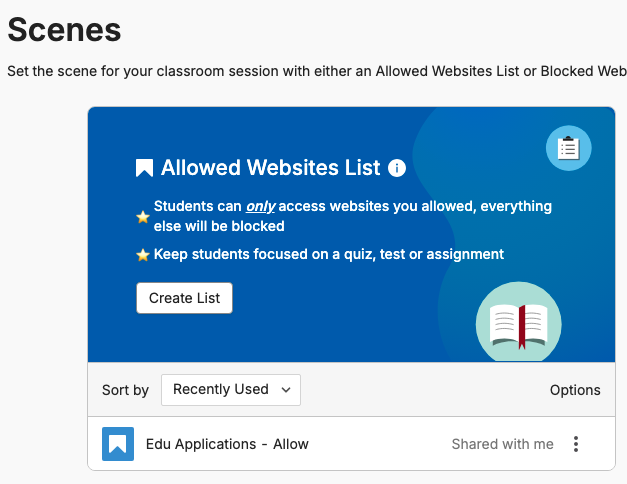
The scene titled Edu Applications - Allow has been curated by the Tech Department and allows access to USD 331 curriculum based websites, LMS tools such as Google Classroom and Canvas, and nothing else. No Youtube, Google Search, etc. If you want your students to stay focused during class, we recommend using this scene.
- If you don't see this scene in your options, please let us know and we will share it with you.
- You can use this scene or copy it and modify it.
- If there are websites your students need access to that are curriculum related, please let us know and we will add them to the scene.
Enabling the Scene When Starting a Session
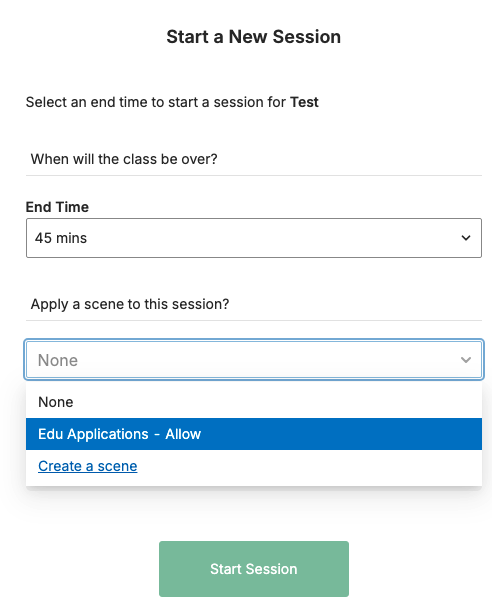
When you Start a New Session, select EDU Applications - Allow in the dropdown menu to apply the scene before Starting the session. You can also apply the scene after starting the session.
Enabling the Scene During a Session
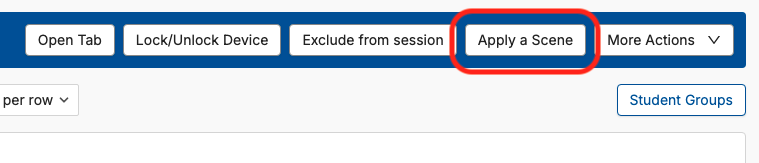
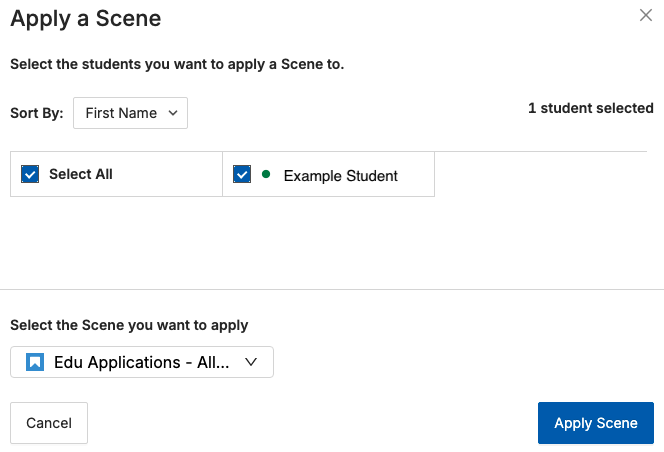
During the session click Apply a Scene, select the students you want to be included, and select the Scene you wish to use from the pull down menu, and Apply Scene.