
| 1. Download the PDF you want to print. Take note of where the pdf downloads to (Downloads or Desktop). |
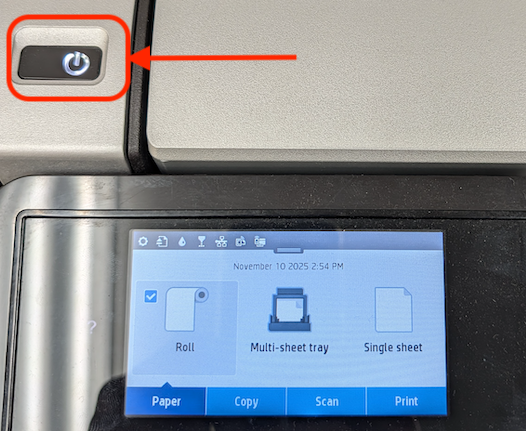
| 2. Turn the Printer on by pressing the power button. |
 |
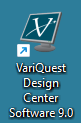
| 3. Open the Variquest Design Center application using the icon on the desktop. |
 |
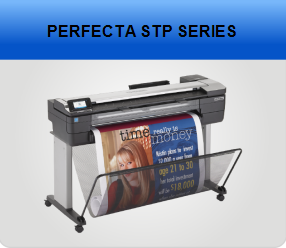
| 4. Click the PERFECTA STP SERIES button. |
 |
| 5. Click the My PDFs button. |
 |
| 6. Navigate to the folder where your PDF is located. |
a. Open the Users folder. 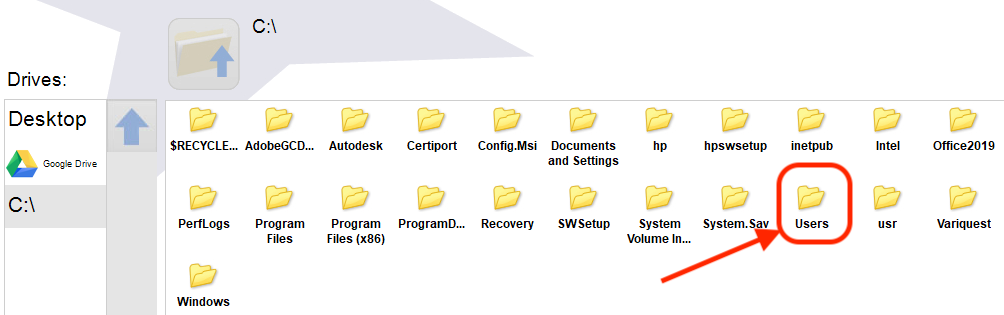 b. Find your username's folder and click it. c. Locate the folder where you downloaded the pdf. Likely Downloads or Desktop. 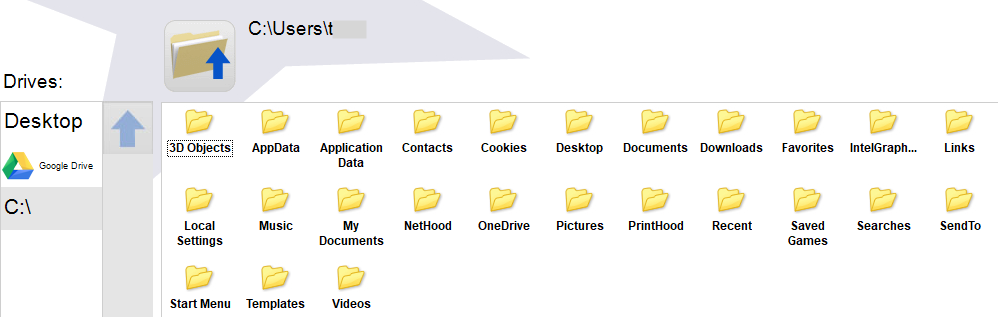 |
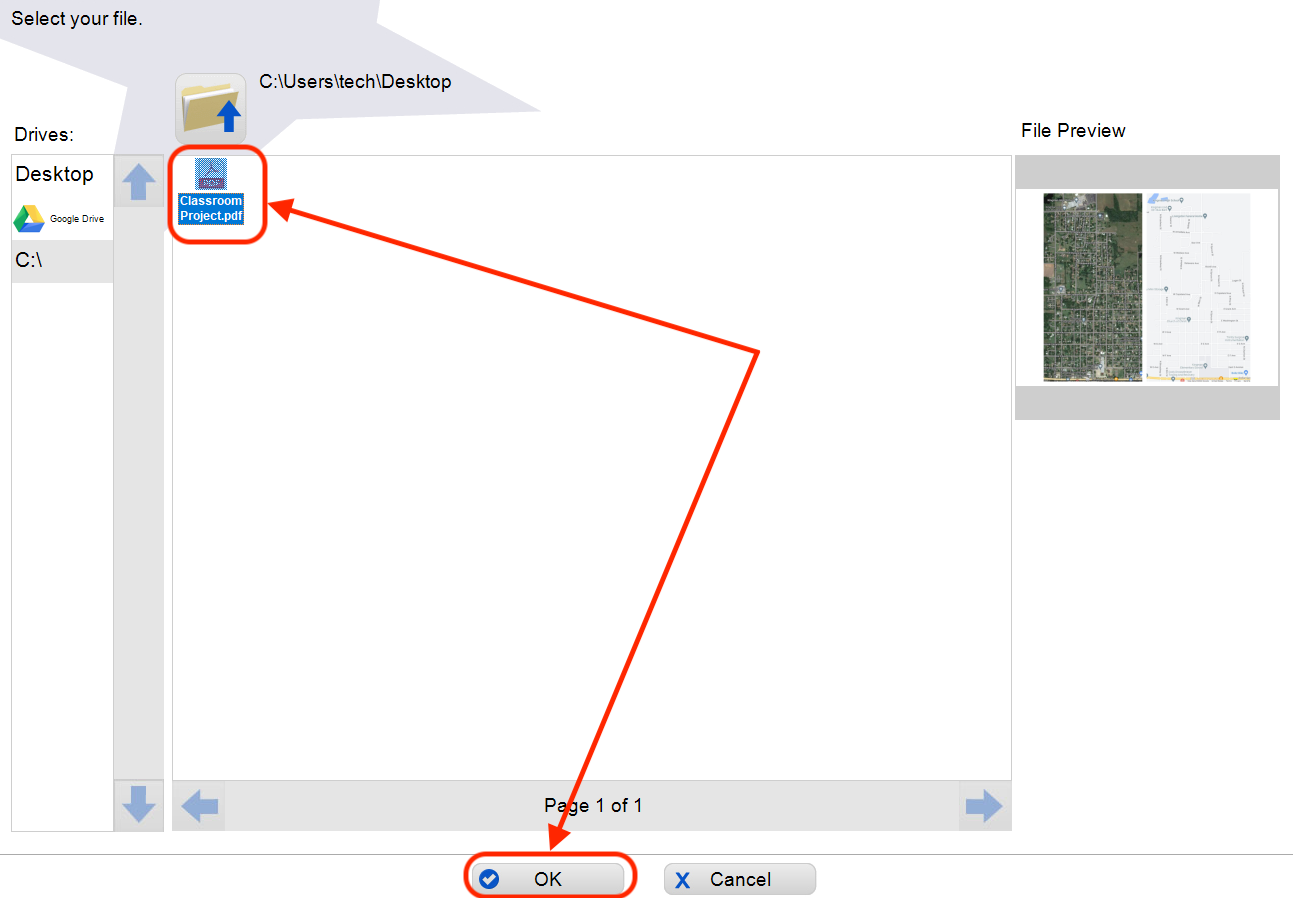
| 7. Open your PDF file by selecting your file and clicking the OK button. |
 |
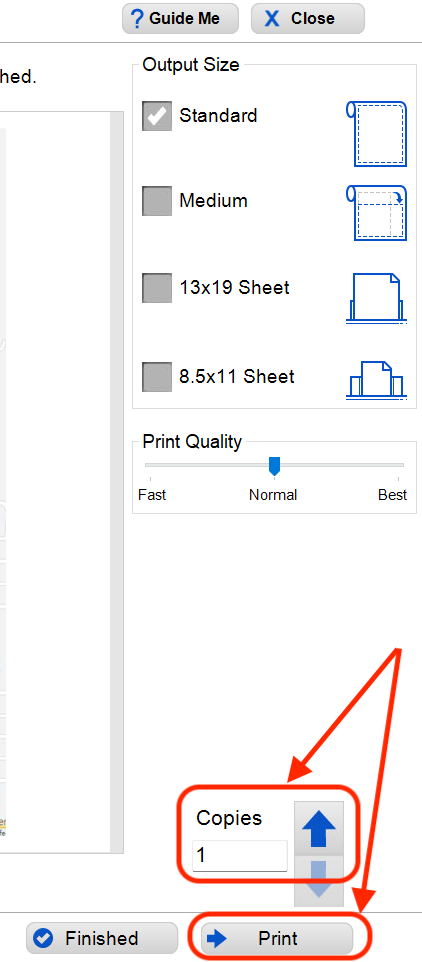
| 8. Select how many Copies you want and click the Print button. |
 |
Variquest Poster Printer - Printing PDFs Print
Modified on: Mon, 10 Nov, 2025 at 2:55 PM
Did you find it helpful? Yes No
Send feedbackSorry we couldn't be helpful. Help us improve this article with your feedback.